Free Old Photo Restoration Online
Eager to revisit and keep old shining moments or recognize childhood/old time friends? SeaArt AI provides you with an online photo restoration tool to restore old photos and bring back happy memories quickly yet efficiently.
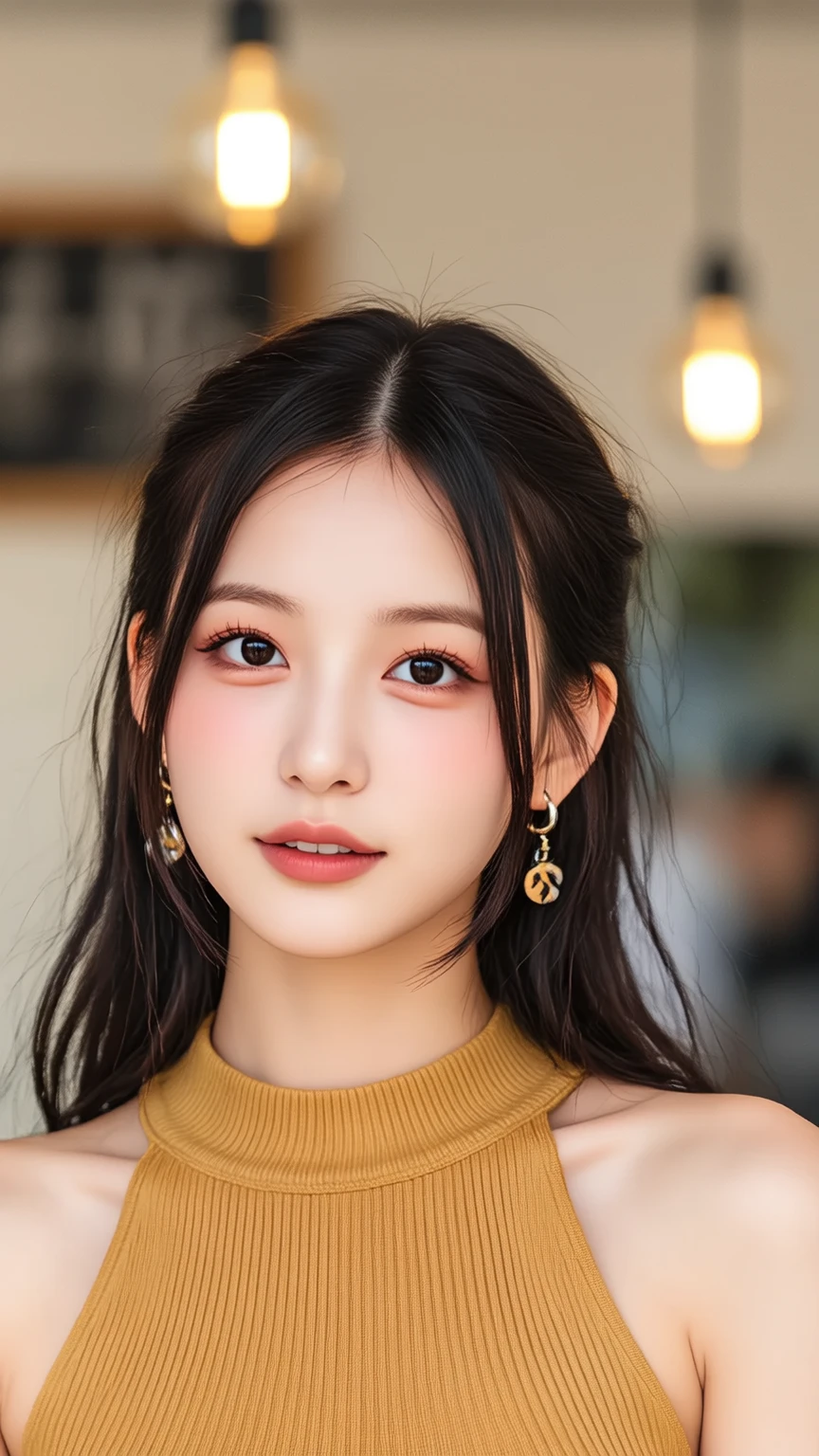

Restore Old Photos with AI In Seconds
Say goodbye to faded memories and hello to vibrant, restored photos! Restoring old photos has never been easier. With SeaArt AI, you can restore blur photos or damaged photos, etc. in just a few seconds. No tech skills needed—just upload your photo, and watch the magic unfold as our AI fixes scratches, restores colors, and revives your photos in no time!
Fix and Enrich Photo Detail
If your old photos are in black-and-white, this photo restoration tool can automatically colorize them to create a more lifelike reproduction. The clarity of your image will also be enhanced, making old photos look vibrant and detailed. Whether it's adding color or improving sharpness, it ensures that your photos reflect their original beauty.
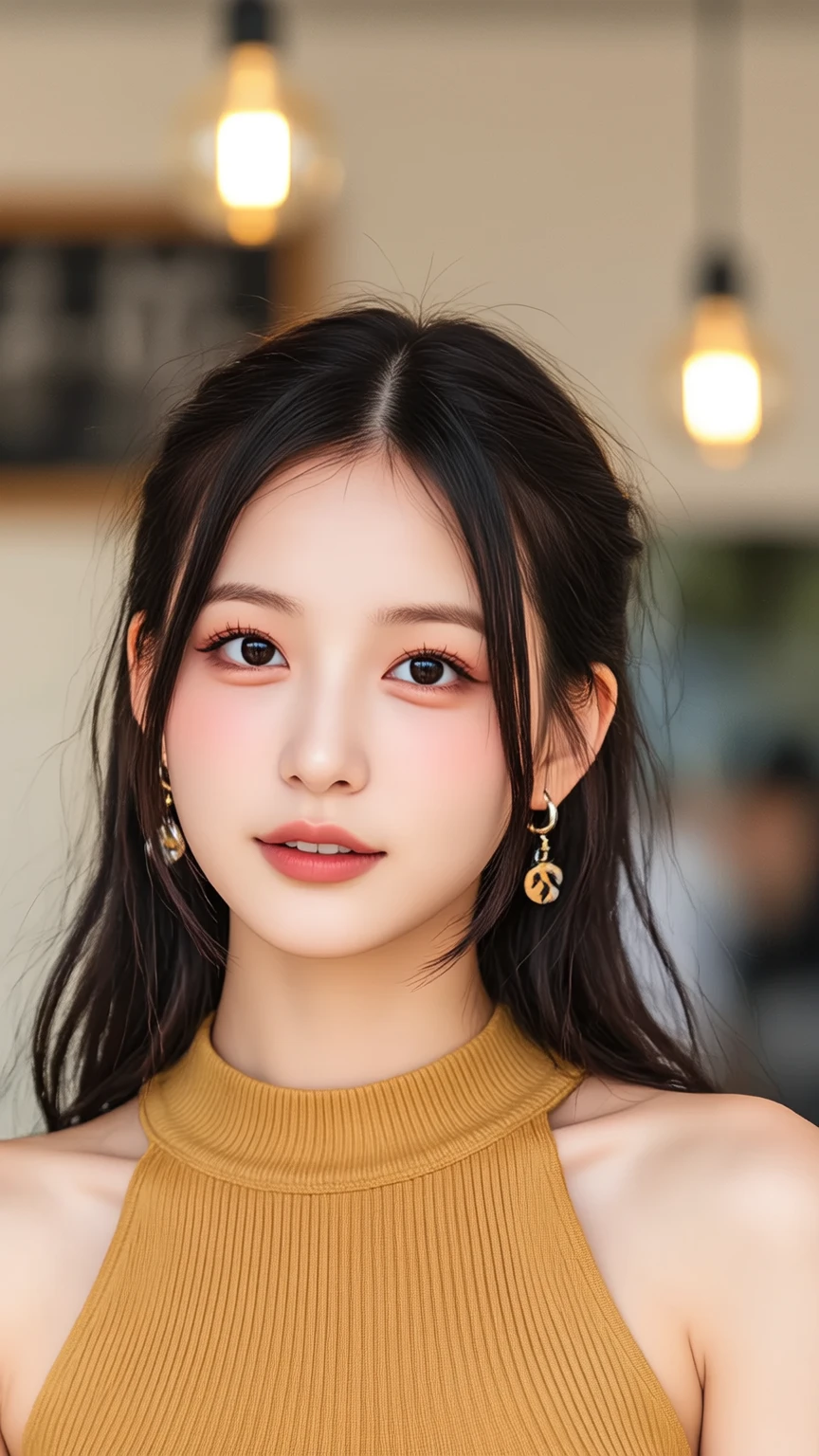
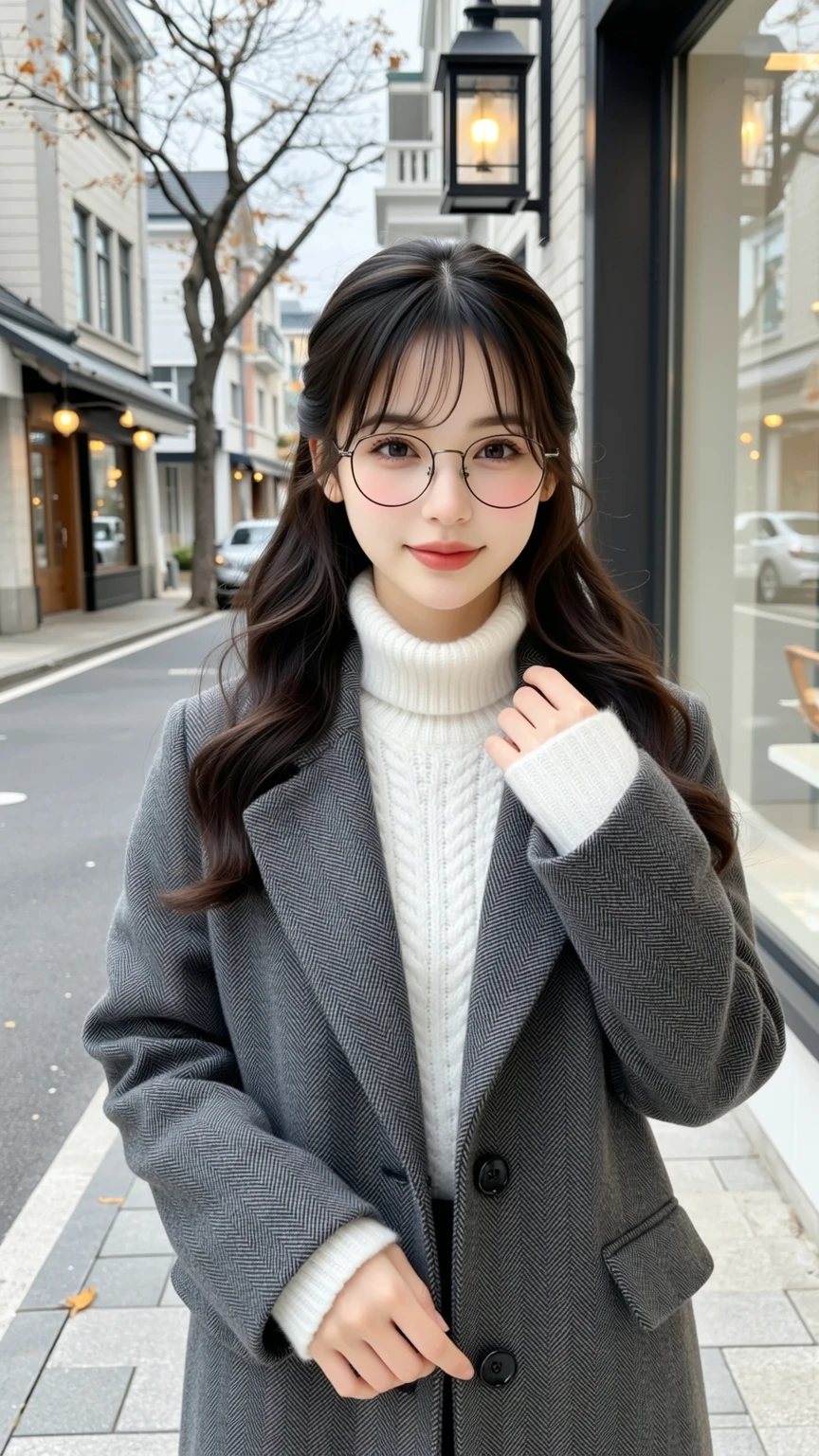
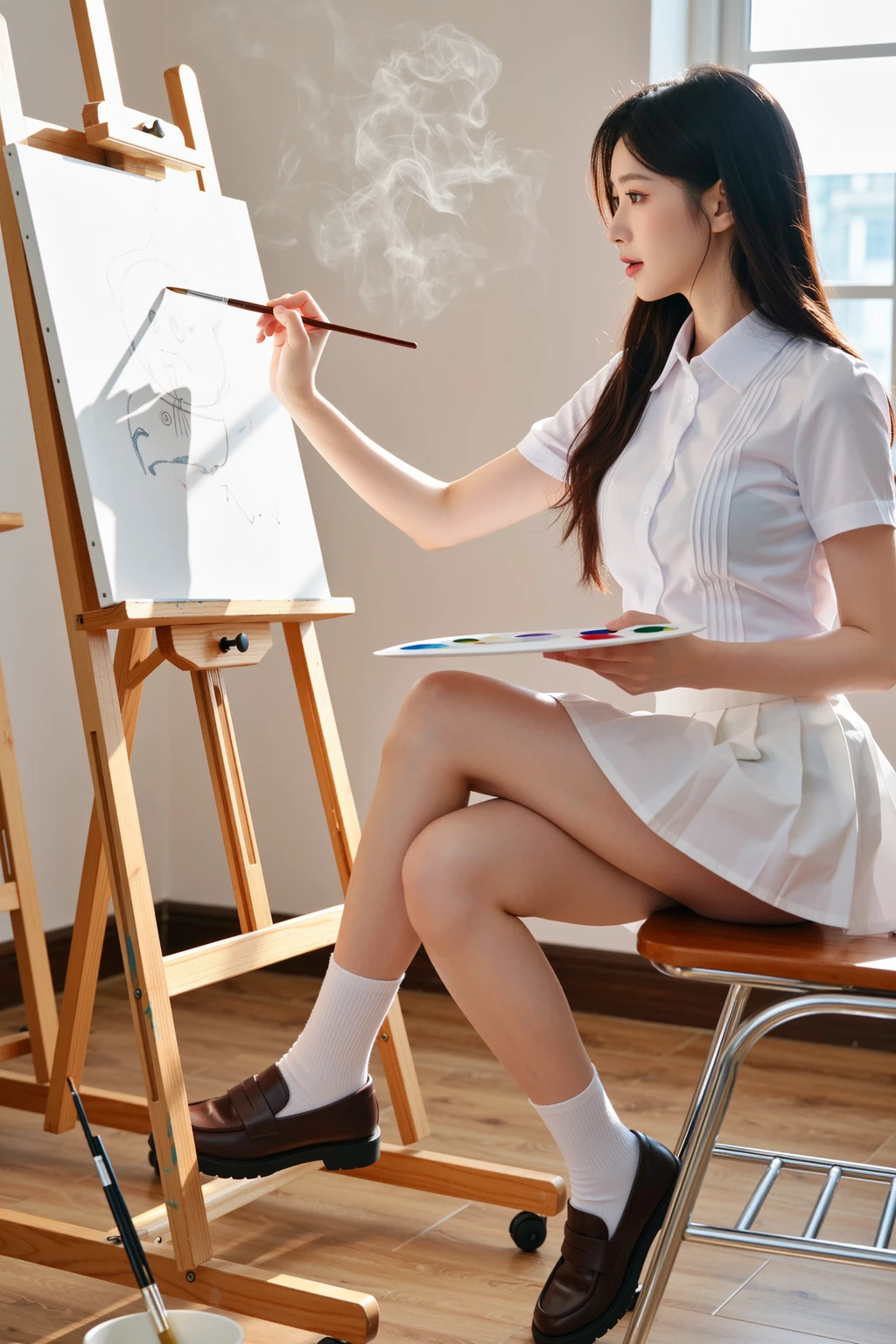

Step 1: Upload Your Image
Click the Generate button to start the restoration process. It will remove imperfections, enhance the photo, and even add color where needed in seconds.
AI Photo Restoration FAQs
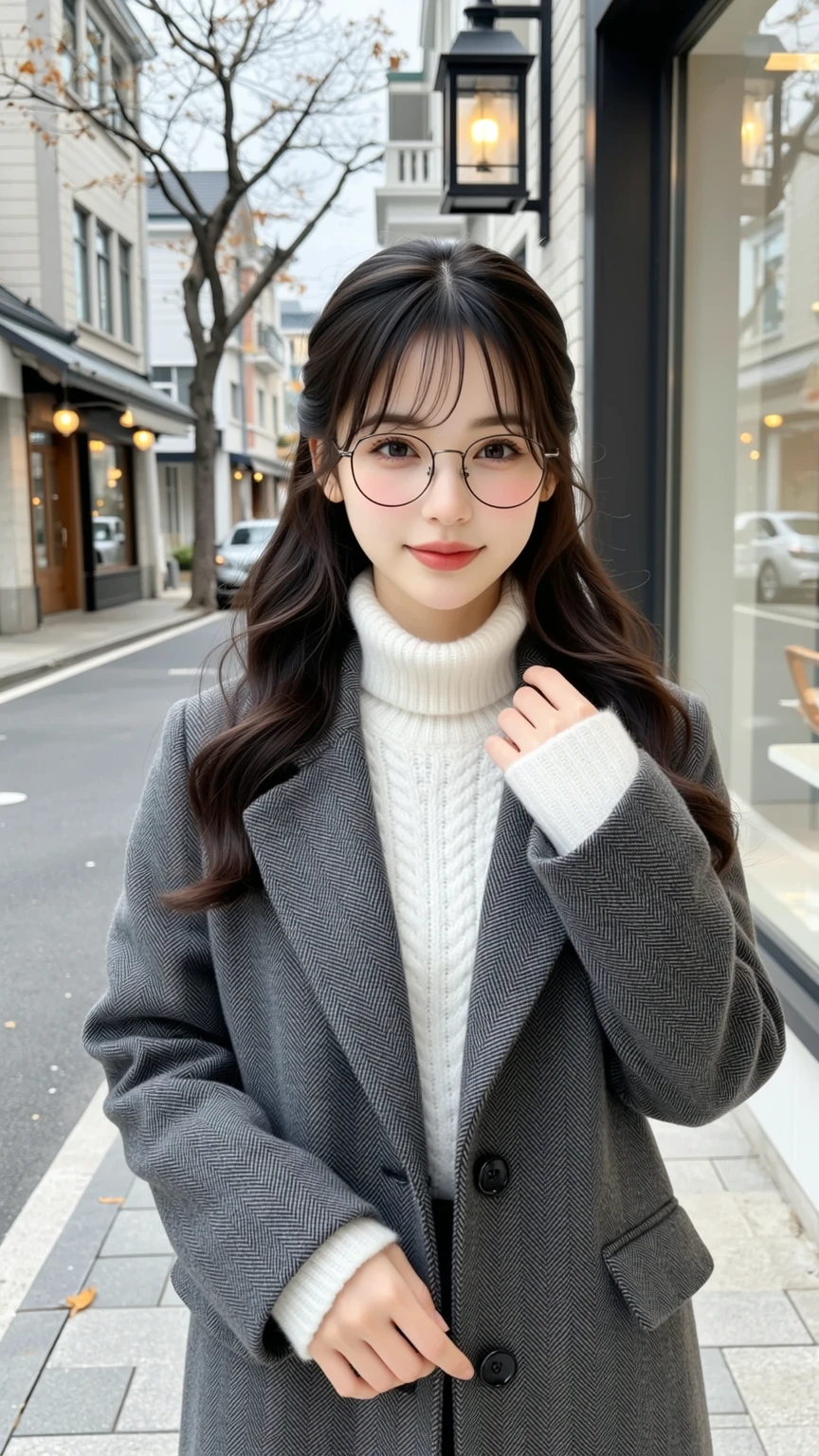
With over 60 video styles, Kling AI video generator adds cinematic-quality visual effects, elevating your footage with rich details. Whether you're aiming for a nostalgic vibe or modern flair, it allows for customizable aesthetics that enhance storytelling and evoke the desired mood in every frame.
Enhanced Dynamic Effects
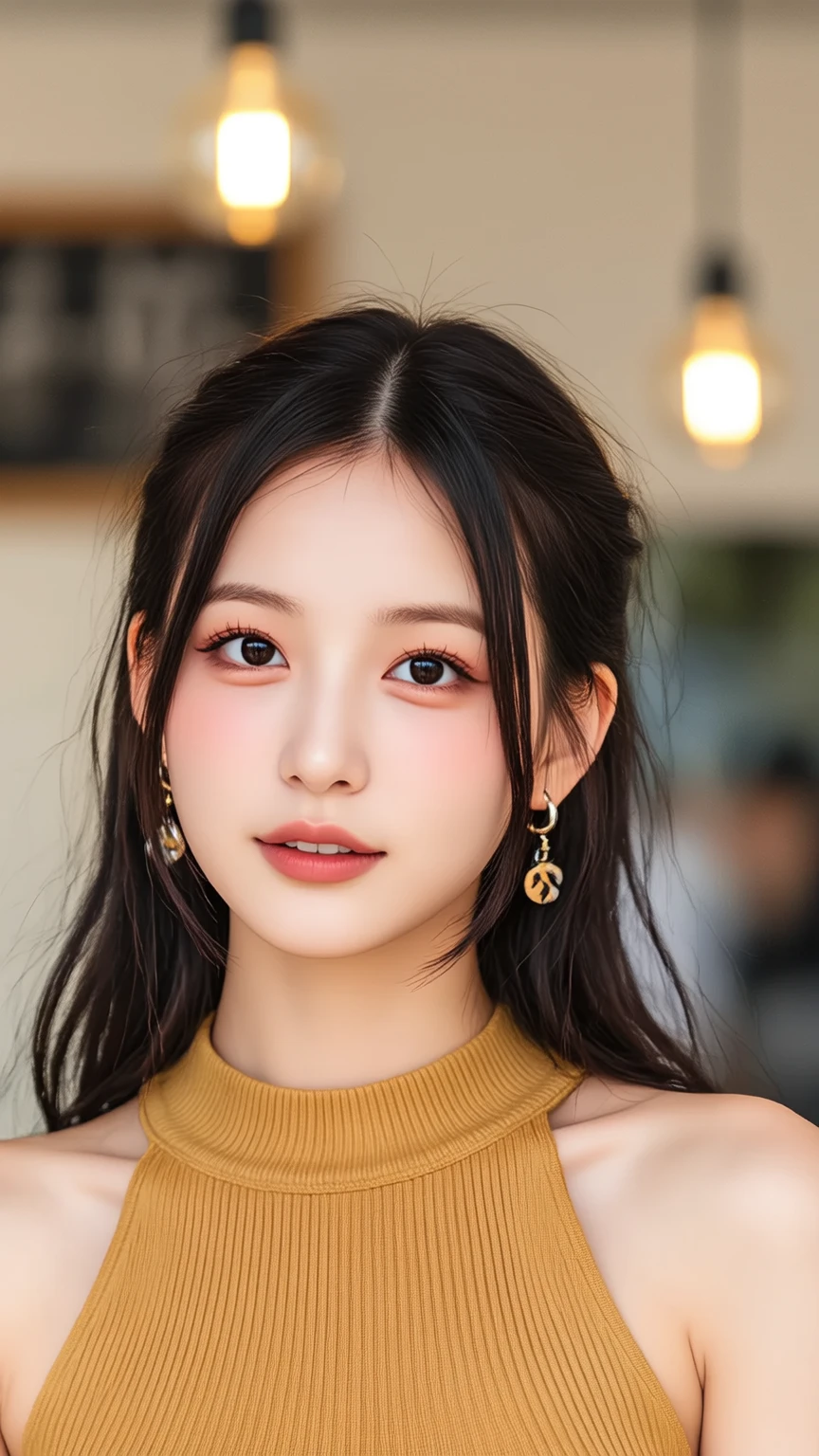
Kling 2.0 improves dynamic effects by expanding motion range, making action sequences smoother and more natural. Whether it's a fast-paced chase or an emotional dance, the AI refines the flow of movements, ensuring realism while maintaining fluid transitions and lifelike interactions between characters.
Improved Prompt Adherence

Kling 2.0 elevates its prompt adherence capabilities, enabling more precise and realistic outputs. By better understanding the context, it generates content that aligns with the intended vision, ensuring every scene stays true to the creative direction while producing visually coherent and authentic results.
How much does it cost to restore old photos?
SeaArt AI provides new users with 150 free staminas. You can sign in and start repairing photos.

Can I post the results on social media?
Start with the clean yearbook style first, then add extra flair like filters, transitions, or try more motion presets in SeaArt AI video effects.